
Microsoft is retiring SMS codes.
Here is what to arrange now.
From 1 February 2027 you can no longer sign in to work and school Microsoft accounts with a code sent by SMS or a voice call. The replacement is called a passkey. No panic, but do take action: arrange this properly now and you will not notice a thing later.
Published 26 July 2026 · 4 minute read
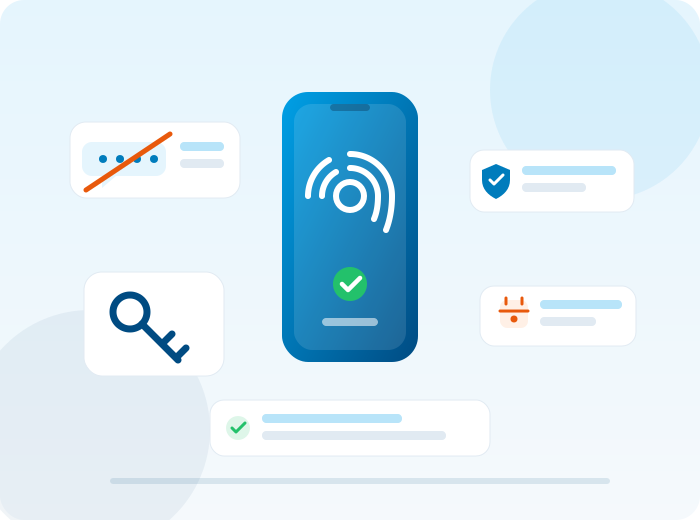
What is changing, and when
Microsoft has made it official: SMS and voice codes are being retired for good as a sign-in method for work and school Microsoft accounts. The transition happens in two steps.
Currently using SMS codes? When signing in you will automatically be asked to register a passkey. That is not phishing and not a glitch: it is the new standard. For now you can still dismiss the prompt.
SMS and voice codes stop working for good. If you have not registered a passkey or another sign-in method by then, you cannot access your account until you create one.
This applies to work and school Microsoft accounts, the accounts you use to sign in to Microsoft 365 at work. Personal accounts are not affected by this announcement.
Why Microsoft is doing this
An SMS code is easy to intercept. Criminals lure you to a fake site that looks exactly like the real one, you enter your code, and meanwhile they sign in on the real site. And with SIM swapping they simply take over your phone number, including every code sent to it.
A passkey works fundamentally differently. It is tied to your device and only works on the genuine website. You never type it in anywhere, so there is nothing to intercept. Phishing becomes pointless. In practice you will barely notice: signing in works with your fingerprint, face recognition or PIN, just like unlocking your phone.
Choose deliberately where you store your passkey
This is where it goes wrong in practice. We see people click next during registration and store the passkey in the first place the screen offers, without knowing where it actually ends up. Choose deliberately. These are the common options:
- Microsoft Authenticator: our recommendation for business use
- Windows Hello on your PC or laptop
- iCloud Keychain on iPhone or Mac
- Google Password Manager on Android
- A password manager such as 1Password or Bitwarden
- A hardware key such as a YubiKey
One place, chosen deliberately. And make sure you have a second sign-in method as a backup, for when your phone is lost or broken.
What if you do nothing?
Then signing in stops working from 1 February 2027 until you register a passkey after all. For one person that is an annoying quarter of an hour. For an organisation where dozens of people are locked out at the same time, it is a lost morning for everyone. You want to stay well ahead of that, long before the deadline and at a quiet moment.
A Redemp customer? Then this is already taken care of.
We are moving our customers to passkeys right now, well ahead of the deadline. Together we choose the right place for your organisation, set up a backup method and guide employees through registration. No managed services contract with us, but need help with the switch? Give us a call and we will look at what your organisation needs.
Do not wait until your screen goes dark
We help your organisation switch safely to passkeys, well before the 1 February 2027 deadline.